How to set up L2TP/IPsec on iPhone / iPad
L2TP/IPsec is built into iPhone, iPad, Mac and Windows, so no app is needed. You need the server address, your username and password, and the pre-shared key.
Last reviewed
What you need
- An active L2TP/IPsec configuration from this site
- Server address, username, password and pre-shared key (IPsec) from your configuration page
App
Built into iOS
Where each detail goes
| On your configuration page | In the app or settings |
|---|---|
| Server | Server / Server address / Gateway |
| Username | Account / User name |
| Password | Password |
| Pre-shared key (IPsec) | Secret / Shared secret / Pre-shared key |
Steps
-
Open Settings → General → VPN & Device Management → VPN → Add VPN Configuration…
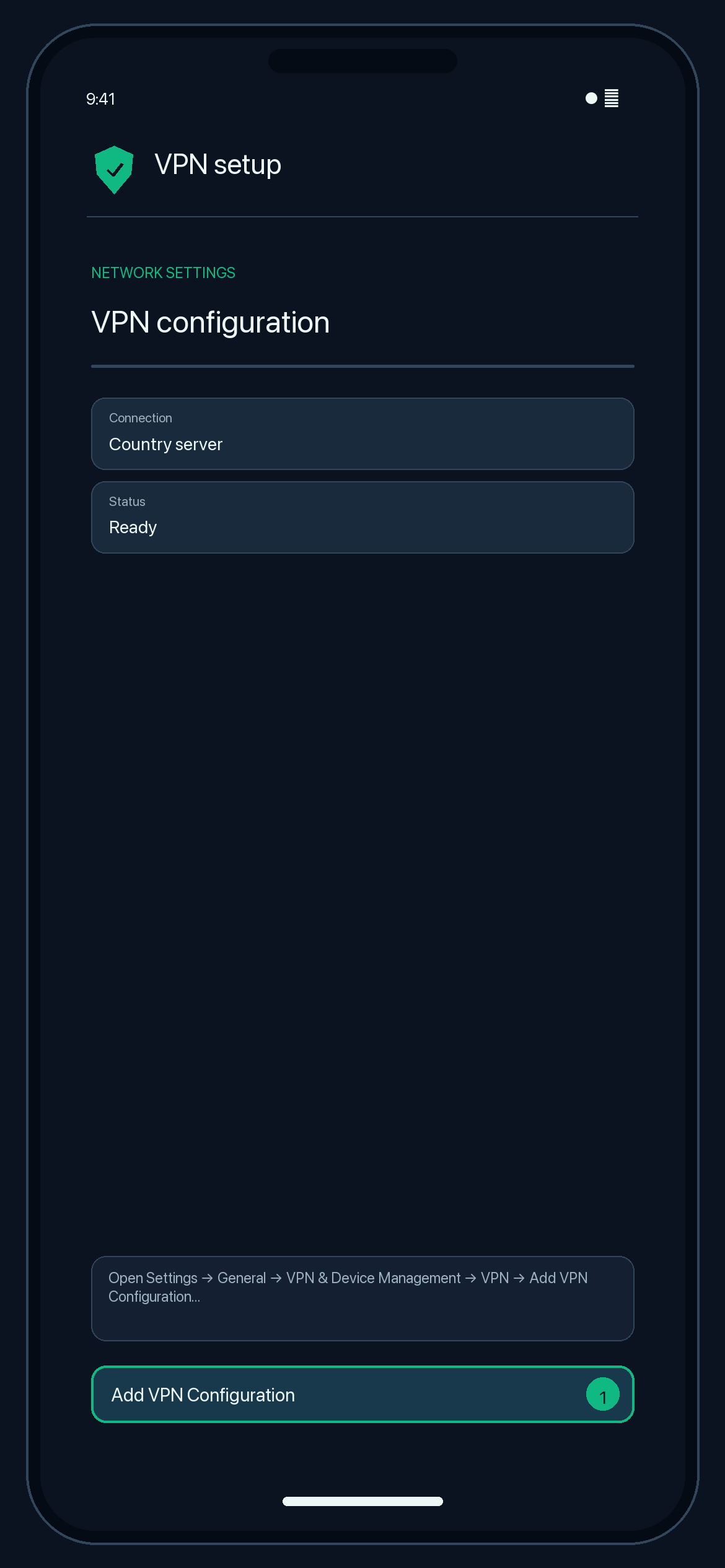
Illustration — your app may look slightly different. -
Type: L2TP. Description: any name. Server: your Server.
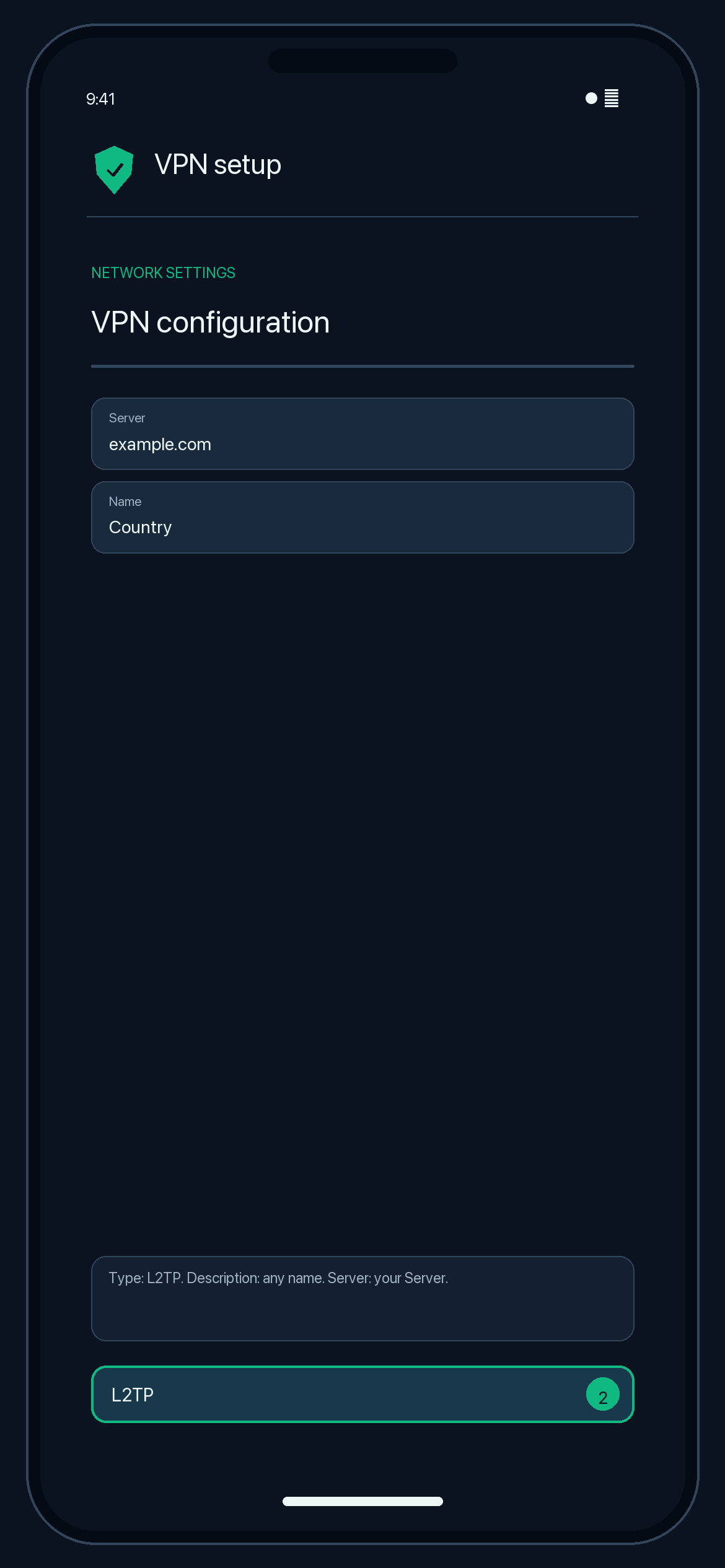
Illustration — your app may look slightly different. -
Account: your username. Password: your password. Secret: your Pre-shared key. Leave Send All Traffic on.
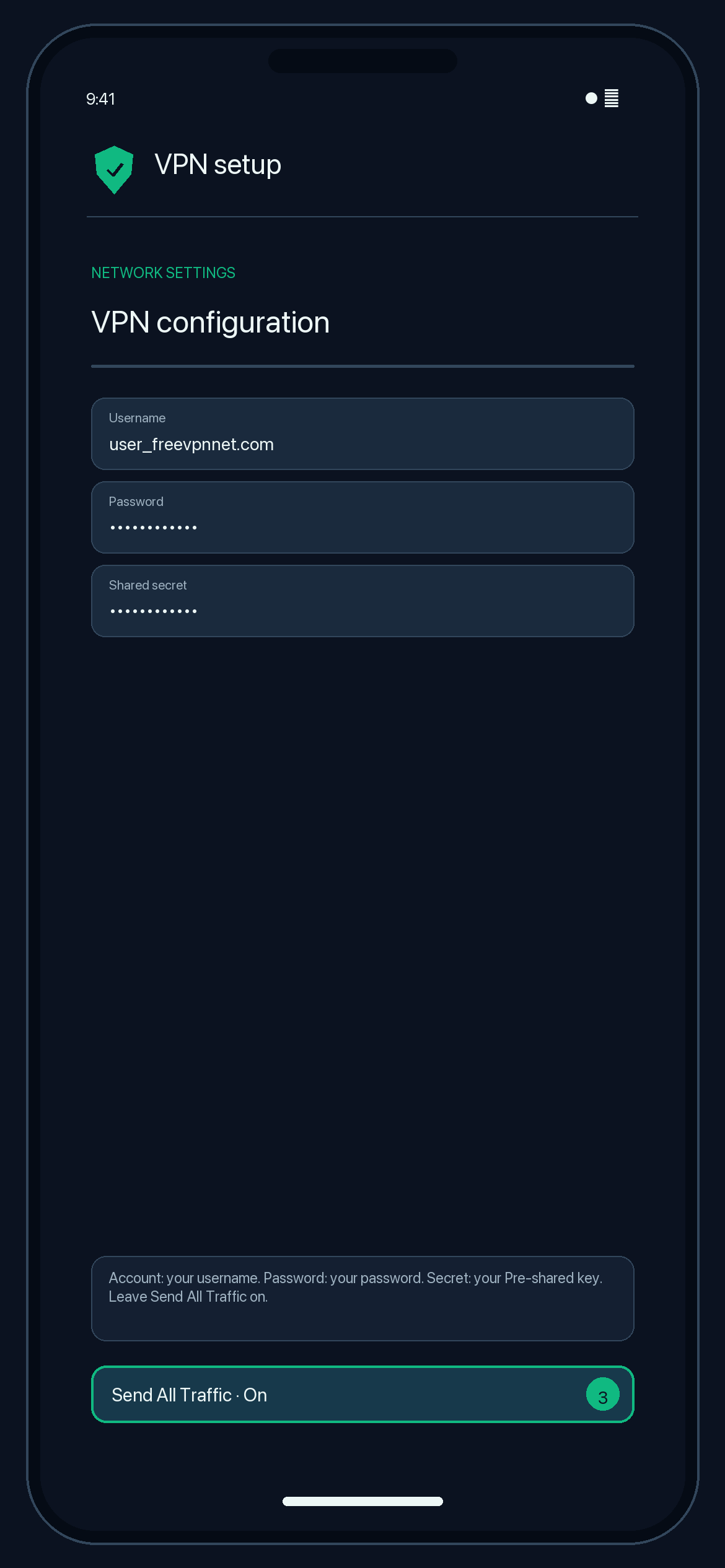
Illustration — your app may look slightly different. -
Tap Done, then switch the VPN Status on.
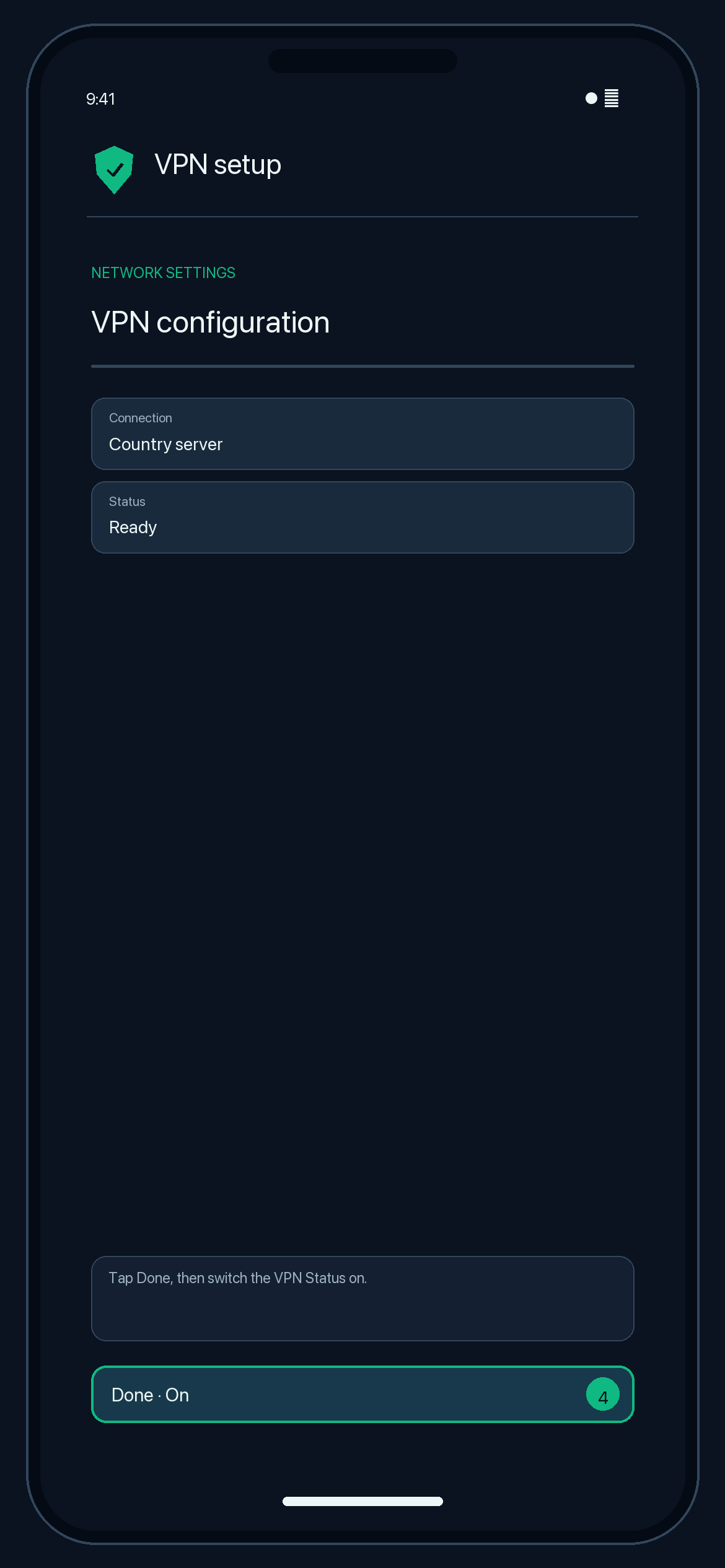
Illustration — your app may look slightly different.
Check that it works
The VPN status shows "Connected". Search the web for "what is my IP"; the location should match your server country.
Disconnect
Switch the VPN off in Settings.
Troubleshooting
Authentication failed
Re-type the username, password and pre-shared key exactly as shown (they are case-sensitive). The configuration may also have expired.
Connects on mobile data but not on Wi-Fi
Some routers block the ports L2TP/IPsec uses (UDP 500 and 4500). Try another network or use WireGuard or OpenVPN.
The L2TP option is missing
Android 12 and newer, and some managed devices, no longer offer L2TP/IPsec. Use WireGuard or OpenVPN instead.